A recipe app, twice
AI-assisted builds · 2023–2026
I spent about two days on the 2023 prototype and two hours on the 2026 build.
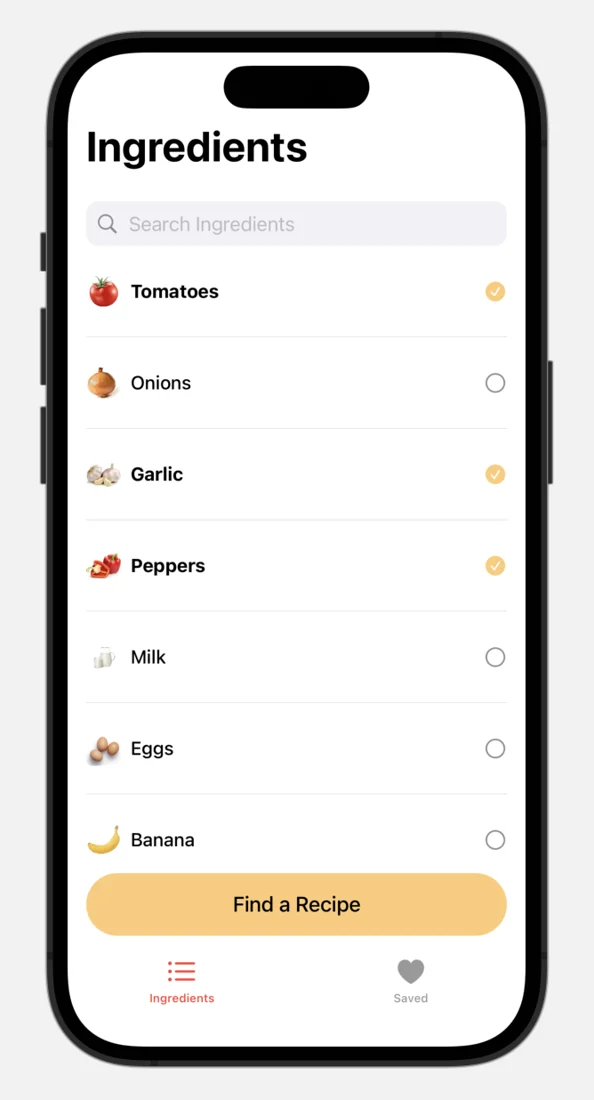
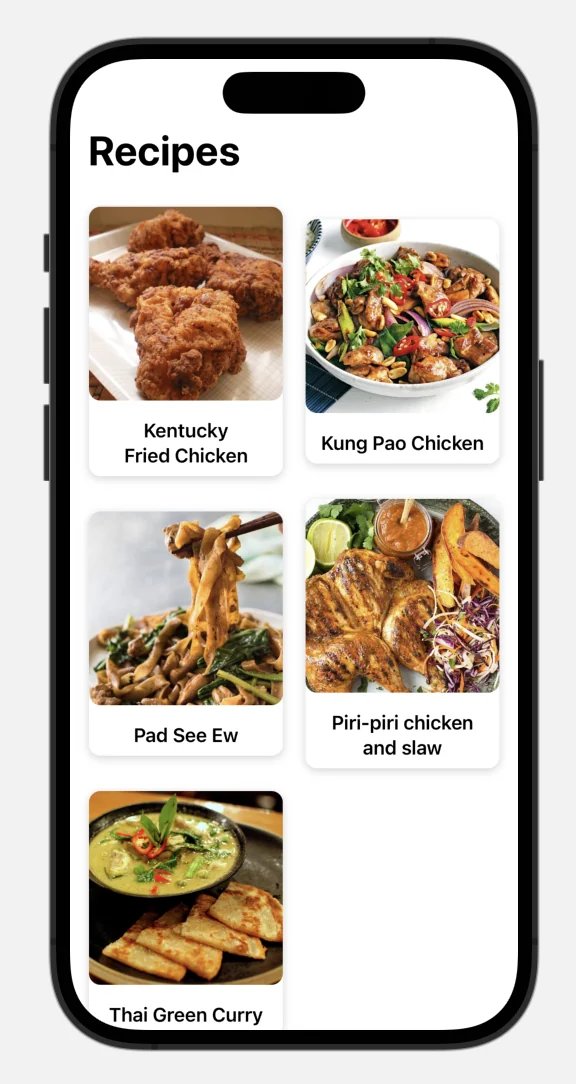
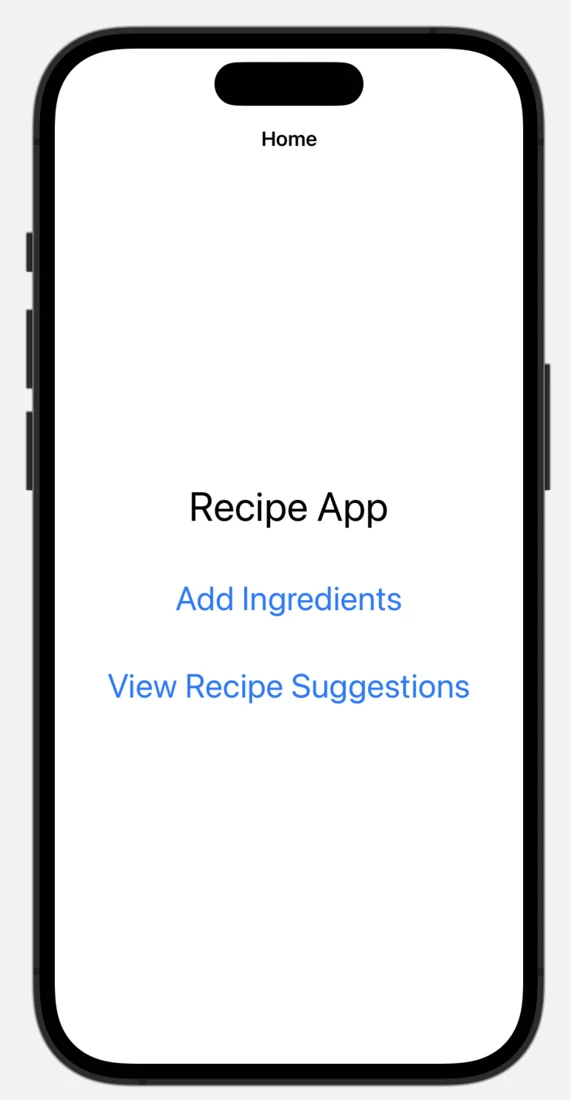
The original 2023 SwiftUI prototype.
The app brief
The brief was simple: choose the ingredients you have and find something to cook. A camera could help identify ingredients, so the app also gave me a practical way to explore AI inside a mobile product.
For IT Days 2023, I used AI throughout the build and documented the process. At my 2026 mobile developer meetup in Cluj-Napoca, I returned to the idea with a different stack and a more deliberate workflow.
From chat to prototype
IT Days 2023 · SwiftUI
The first version was an iOS prototype in SwiftUI. I used ChatGPT to explore the idea, outline screens and generate starting code. Image-generation tools helped with visual directions, the app icon and illustrations; the actual interface developed through repeated changes in code.
I connected the recipe flow to TheMealDB, mapped its responses into app models and worked through the UI, view models and API client. A repository refactor made the boundary between fetching data and showing it more explicit.
For camera recognition, I started from Apple sample code and integrated an on-device Core ML model. The recording below shows the prototype identifying a banana and a carrot.
Original 2023 device demo · 11 seconds · silent
The camera opens from the ingredient list and shows detection boxes around a banana and a carrot. This is the 2023 on-device Core ML prototype.
Give the tools a plan
Cluj-Napoca meetup 2026 · Compose Multiplatform
In 2026, I revisited the app with Kotlin and Compose Multiplatform, targeting iOS and Android. I demonstrated it on iOS: fetching ingredients and images from the API, finding recipes, and taking a photo to use detected ingredients in a recipe search.
I separated domain models and repository contracts from API clients and screen code. An architecture guide established those boundaries, while a handoff document carried the project state between tools. The session used Junie, Claude Code and Codex for different parts of the build.
The demo code also includes recipe details and persisted favorites. Camera recognition uses the Gemini API, replacing the 2023 on-device model. This was a new implementation of the idea, with the build split into bounded tasks I could inspect before continuing.
The app boundaries
- Domain
- App models, use cases and the repository contract.
- Data
- API clients, response mapping and saved favorites.
- Presentation
- Screen state, user actions and the shared UI.
See a scoped prompt
Selected lines from a 2026 implementation prompt
Read HANDOFF.md first, then implement the domain and data layers for the Discover feature.
No UI, no ViewModel, no Koin yet.
The full task specified models, repository operations and API mapping. Keeping UI and dependency wiring for later made this change small enough to inspect before continuing.
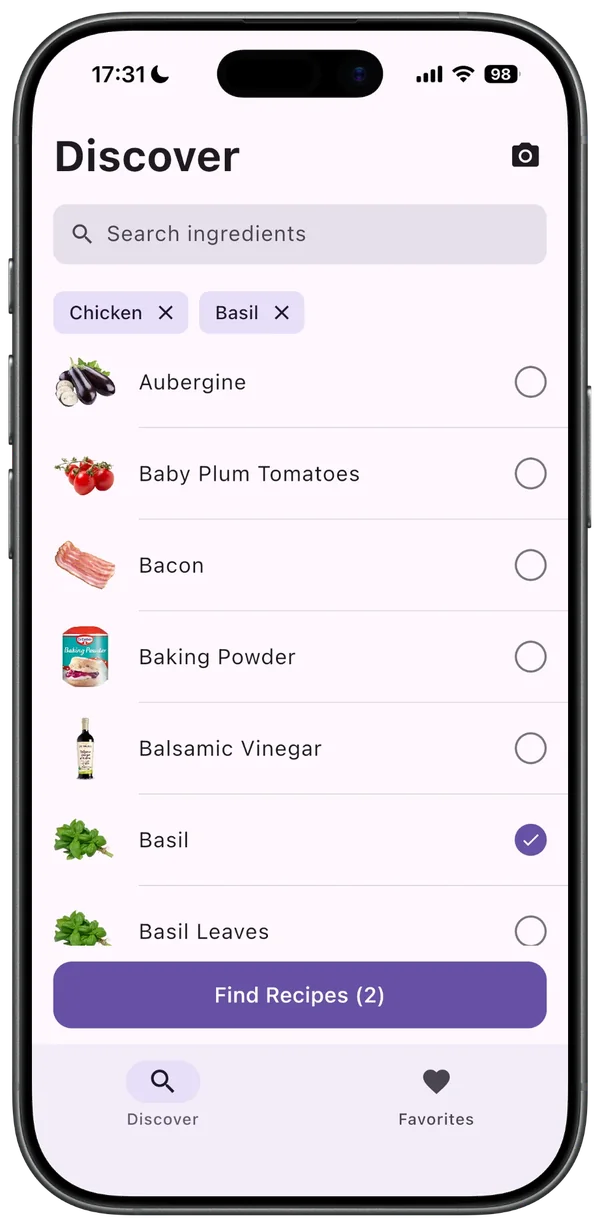
1 · Pick ingredients 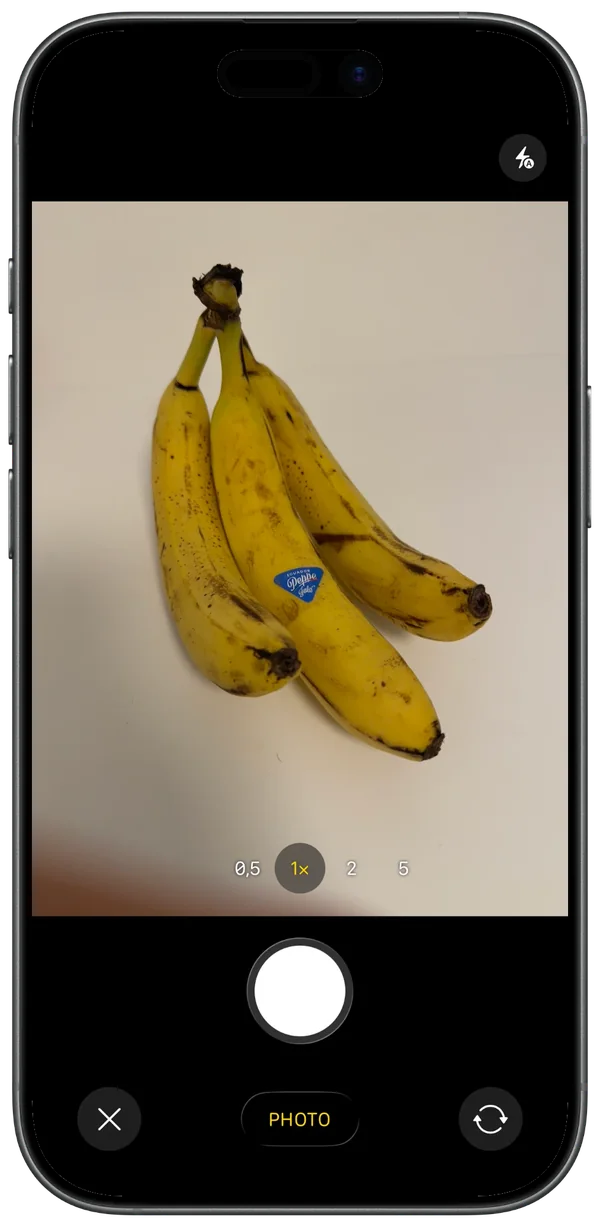
2 · Take a photo 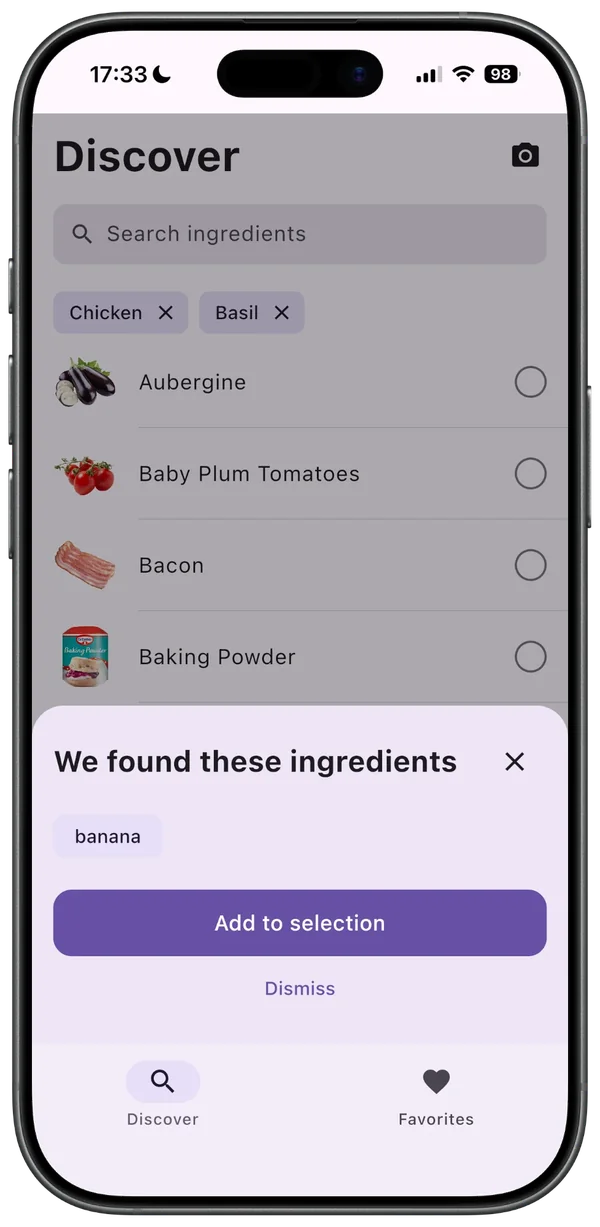
3 · Review what was found 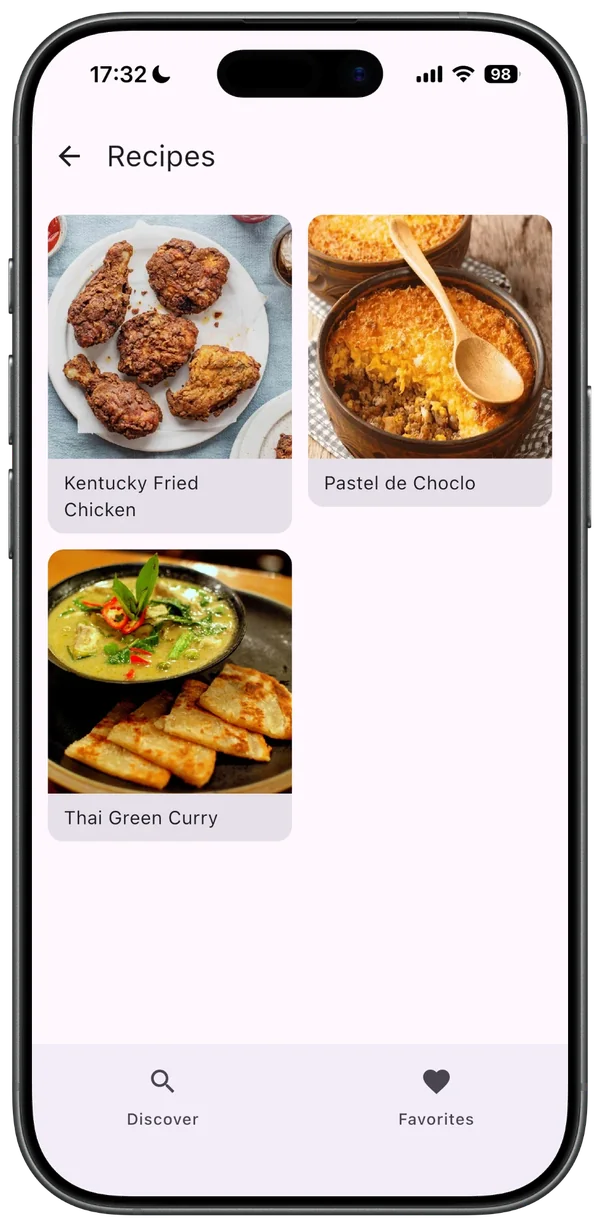
4 · Matching recipes 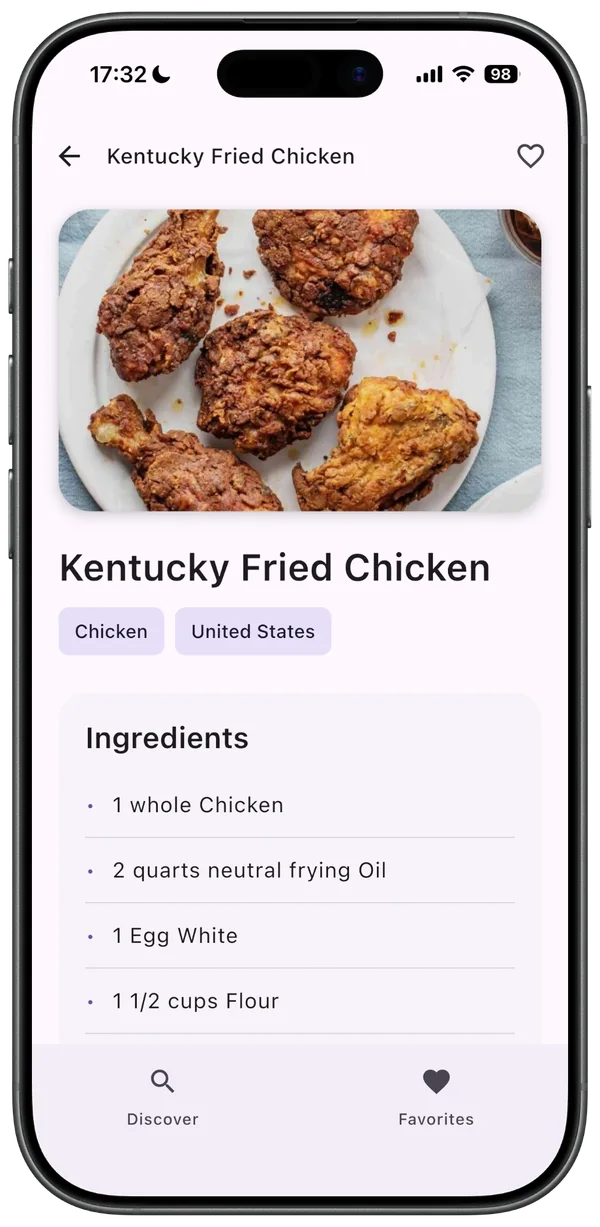
5 · Recipe details


Connect the feature
The interesting part of ingredient scanning is what happens after the model responds. The app lets the user review detected names, matches the confirmed names to its ingredient catalogue, and adds the matching IDs to the recipe selection.
That connection also needs a usable response when nothing is recognised, nothing matches, or the request fails. Those paths are part of the feature, alongside the successful scan.
See the matching code
Excerpt from DiscoverViewModel.kt · 2026 demo
val matchedIngredientIds = _state.value.ingredients
    .filter { it.name.lowercase() in selectedNames }
    .map { it.id }
Here, selectedNames contains the detected names the user confirmed. The app resolves them against its own catalogue before changing the selection. A model response becomes useful when it connects to the rest of the product.
Two versions
| Area | 2023 | 2026 |
|---|---|---|
| Build time | About two days | About two hours |
| App UI | SwiftUI for iOS | Compose UI for iOS and Android |
| Demo | iOS | iOS |
| Recipe data | TheMealDB API | TheMealDB API |
| Camera | On-device Core ML model | Remote Gemini API |
| Process | Iterative chat prompts and manual integration | A plan, scoped tasks and tool handoffs |
These are my development times for the two talk prototypes. The 2026 time includes finding the right prompts and testing the app, and excludes preparing the slides. The stack and feature scope changed between versions.
Different stacks, recognition approaches and scopes. These are teaching prototypes.
The developer’s part
In 2023, I spent much of the process asking for individual pieces and then connecting them. In 2026, the architecture, task boundaries and handoffs were explicit parts of the workflow. AI could do more of the implementation, while I still decided what belonged in each layer and whether the flow made sense.
These were talk prototypes. Taking an idea further means validating it with users, testing the integrations and failure paths, and refining the experience. That is the work I bring to a client POC or app build.
Have a POC in mind?
I can help define a focused first version, choose the mobile stack and connect the APIs or AI features it needs. Tell me what you want the app to do and who will use it.